Register via e-mail invitation
- A Tenant Administrator or a user with access to menu 'User' sets up a new user account with the e-mail address of the new user.
- Climatix IC sent an invitation e-mail with a link to Climatix IC. The user received the e-mail.
- Click the link in the invitation e-mail from Climatix IC.
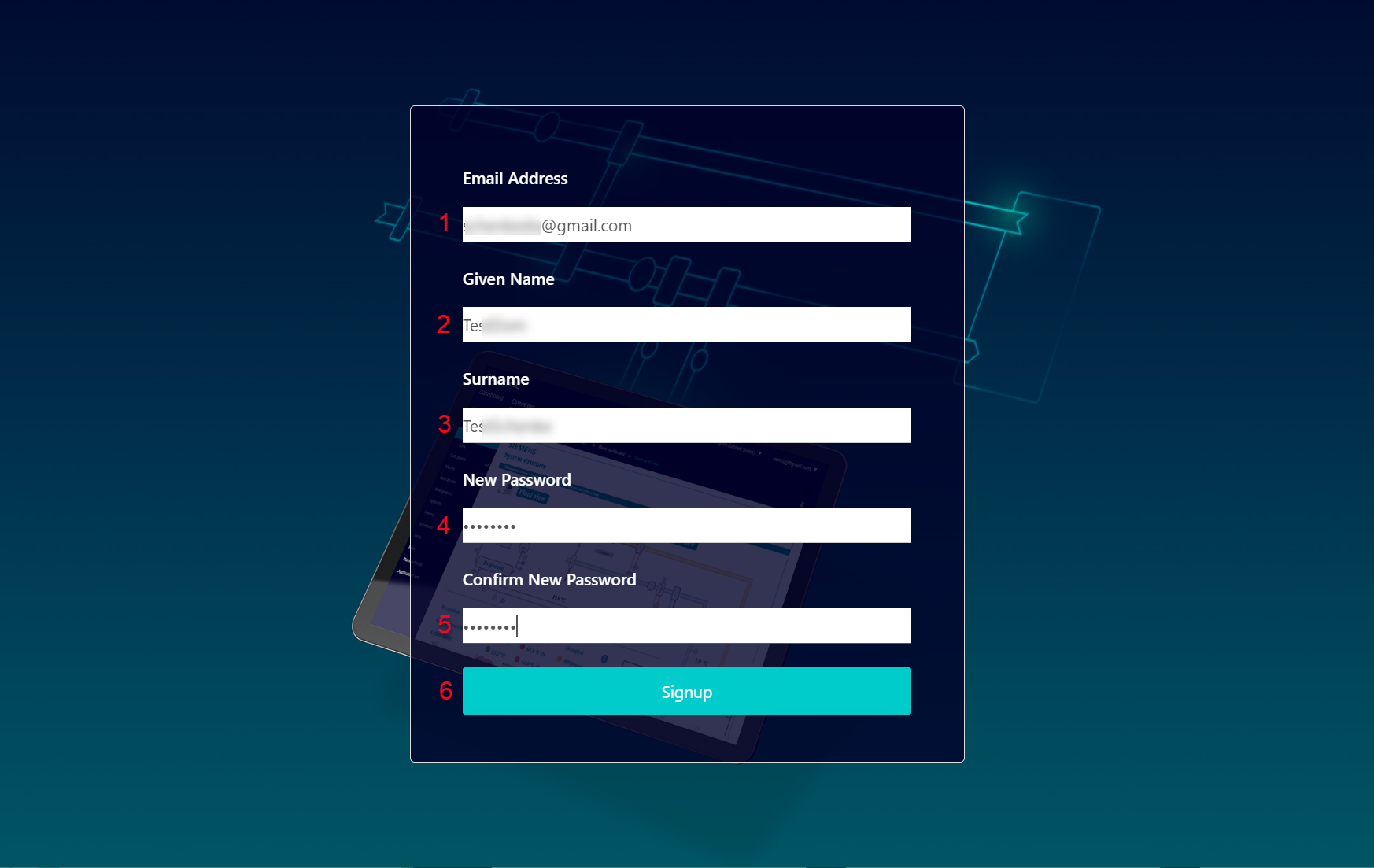
- The Climatix IC start mask opens in the default browser with the e-mail address (1) of the invited user in the entry field.
- A supplemental window opens with cookie preferences:
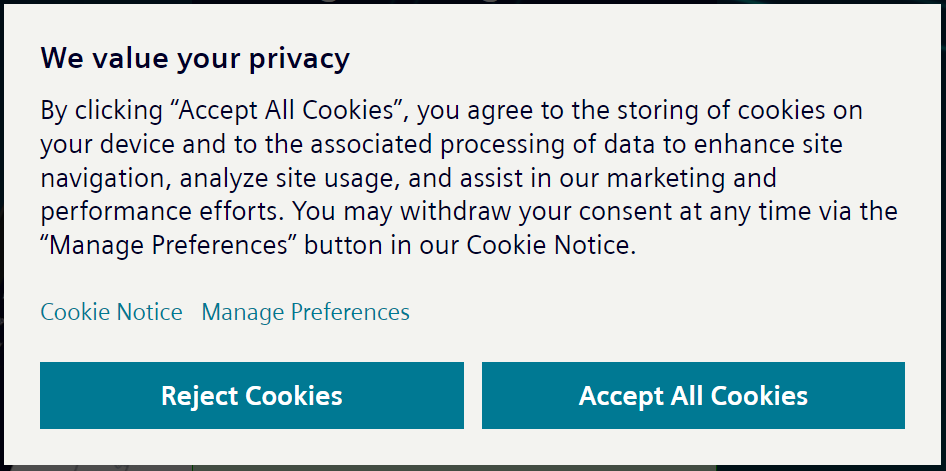
- Set and confirm cookie preferences:
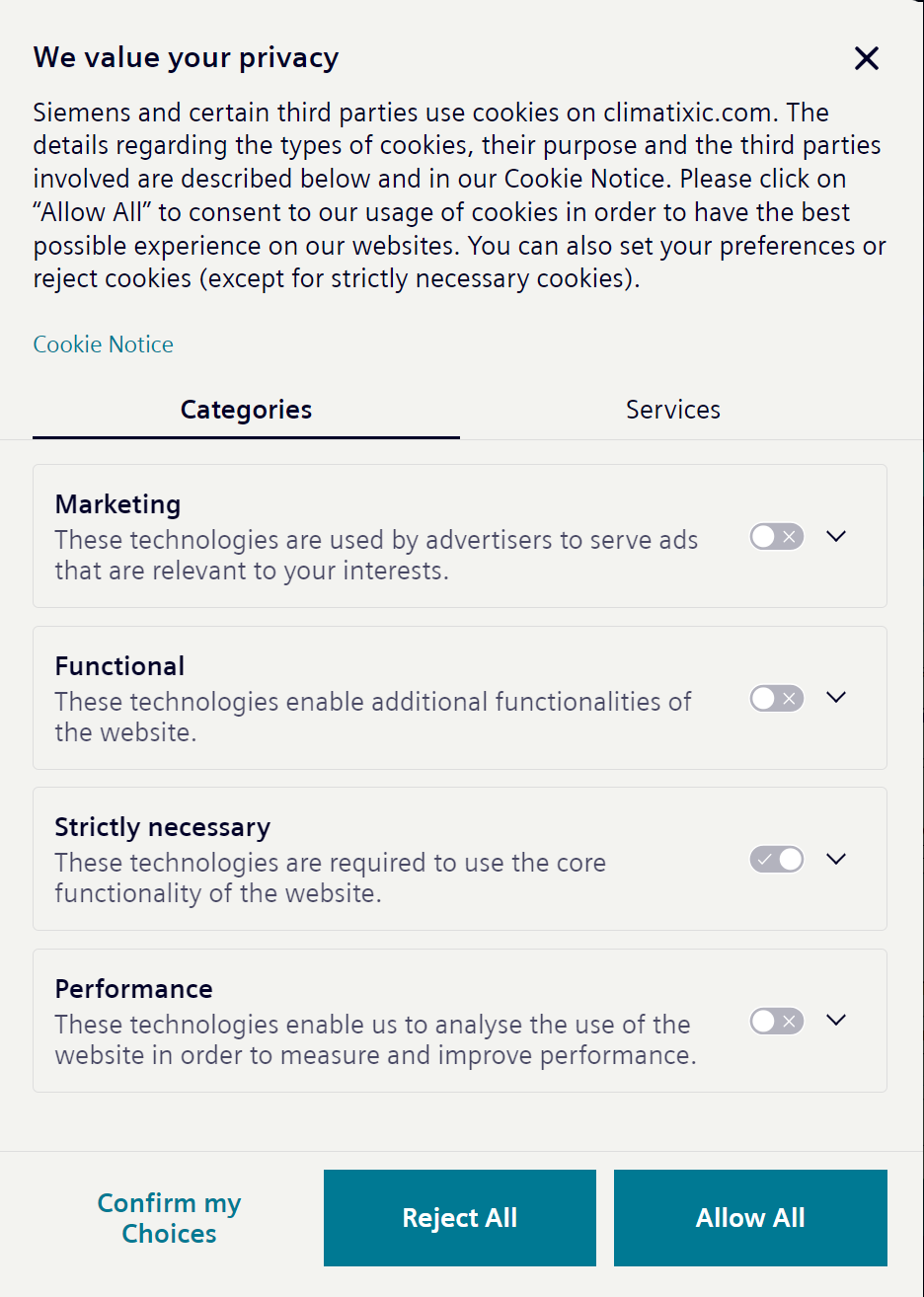
- The cookie window closes.
- Enter the first name (2) and last name (3) of the new user in the corresponding fields.
- Enter a password for the new user access (4).
- Comply with password security requirements (see info below).
- Entering a weak password triggers a note and the registration procedure is blocked until the password meets the minimum security requirements.
- Repeat the password to confirm (5).
- A note displays if the two passwords do not match, and the registration procedure is blocked until both passwords match.
- Select 'Signup’ (6).
- You are registered.
- The Climatix IC landing page opens for registration and login. See 'Set up multi-factor authentication and first-time login'.
NOTICE

The Climatix IC password must include:
At least 8 characters and includes at least one of the 4 character groups:
- Latin capital letters (A…Z)
- Latin low-case letters (a…z)
- Digits (0…9)
- Non-alphabetic characters (e.g. !, $, +,?)
NOTICE
Protect passwords
- Never pass on your Climatix IC user name and password to a third party.
- Encrypt e-mails that include the user name and password.
NOTICE
Automatic password reset
The existing password is reset after 180 days. A new password must be entered thereafter:
- Password requirement (see note prior).
- Do not reuse a previous password:
Climatix IC saves the last 5 passwords and blocks reuse.
A warning displays when attempting to enter a previous password.