Reset password
The B2C login process permits a password reset, for example, in the event a password is forgotten.
- The user is registered in Climatix IC.
- The default log-in process is B2C.
- Go to https://www.climatixic.com/#/Login:

- Click "Login".
- A new mask opens:
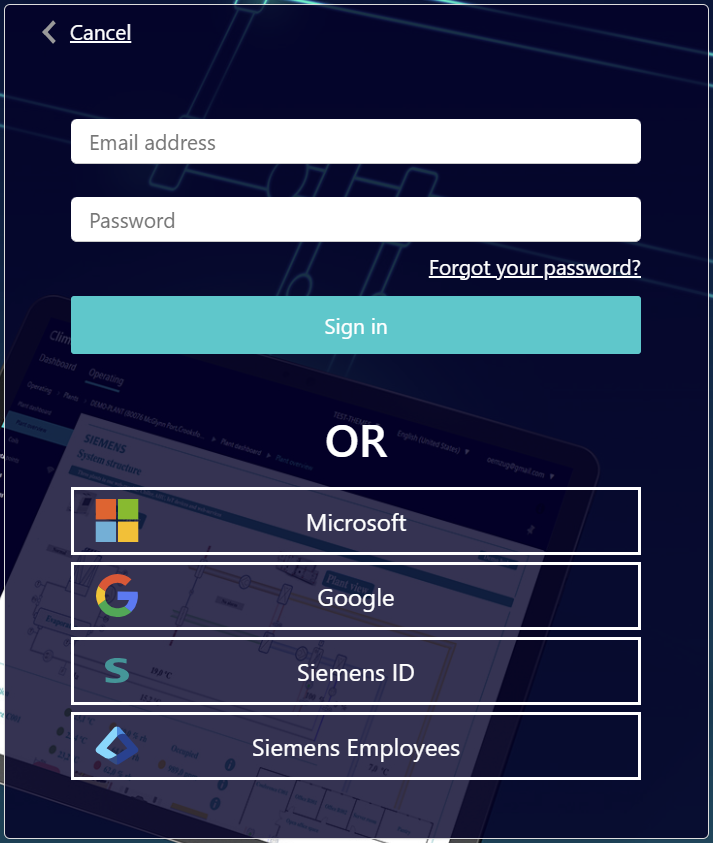
- Click 'Forgot your password?'.
- A new mask opens:
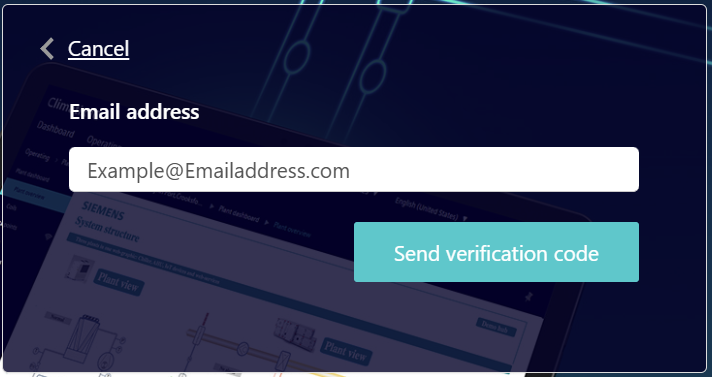
- Enter the registered email address of the user and click 'Send verification code'.
- A new mask opens:
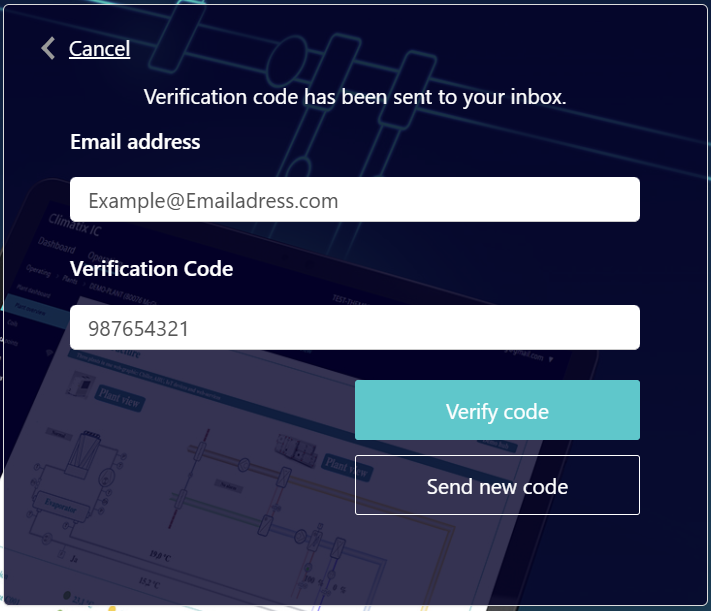
- A email with the code is sent to the user's email address.
- Enter the code from the user's email account and click 'Confirm code'.
- The email address is confirmed and a new mask opens:
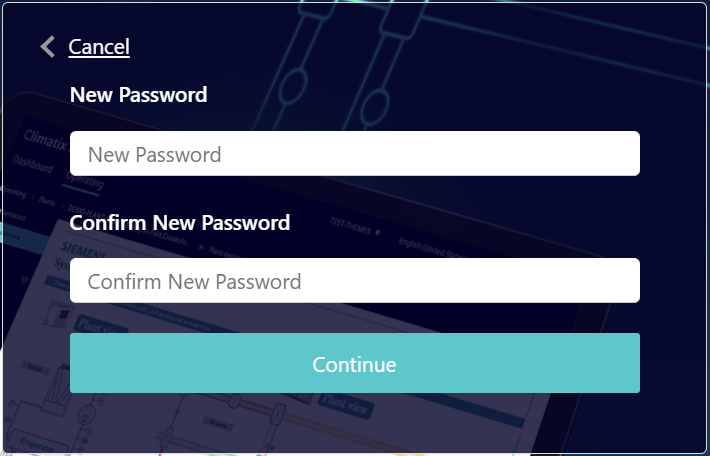
- Enter the password in both ‘ New password' and 'Confirm New Password' and click 'Next'.
- A new mask opens:
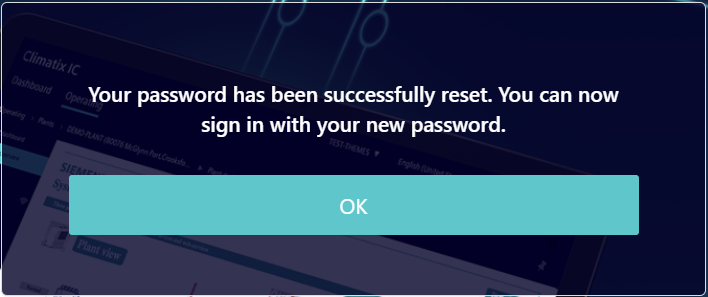
- Click 'OK'.
- The new password is confirmed.
- The home page for login https://www.climatixic.com/#/Login opens.
- The new password is required to login.

The last five passwords are blocked when assigning a new password and cannot be reused.